 trafilm
Film camera for iPhone
One trip,
one roll
Load a roll of film when you set off, and make every shot count. Drop it off at the lab, and at 9 AM the next morning your prints and a video for Reels are waiting.

For iPhone · Free · No account needed
Not hundreds of retakes.
One roll, shot with care.
Shoot, check, shoot again. Photos taken that way tend to get buried in the camera roll. trafilm puts a whole trip on one roll: you make each shot count, then wait a night to see them.
Pick one of eight films and write
the trip's name on the canister.
24 or 36 exposures, and no peeking
until they're developed.
Drop the roll off, and at 9 AM the next
day your prints and video arrive.
01 · Load
Eight films,
one per trip.
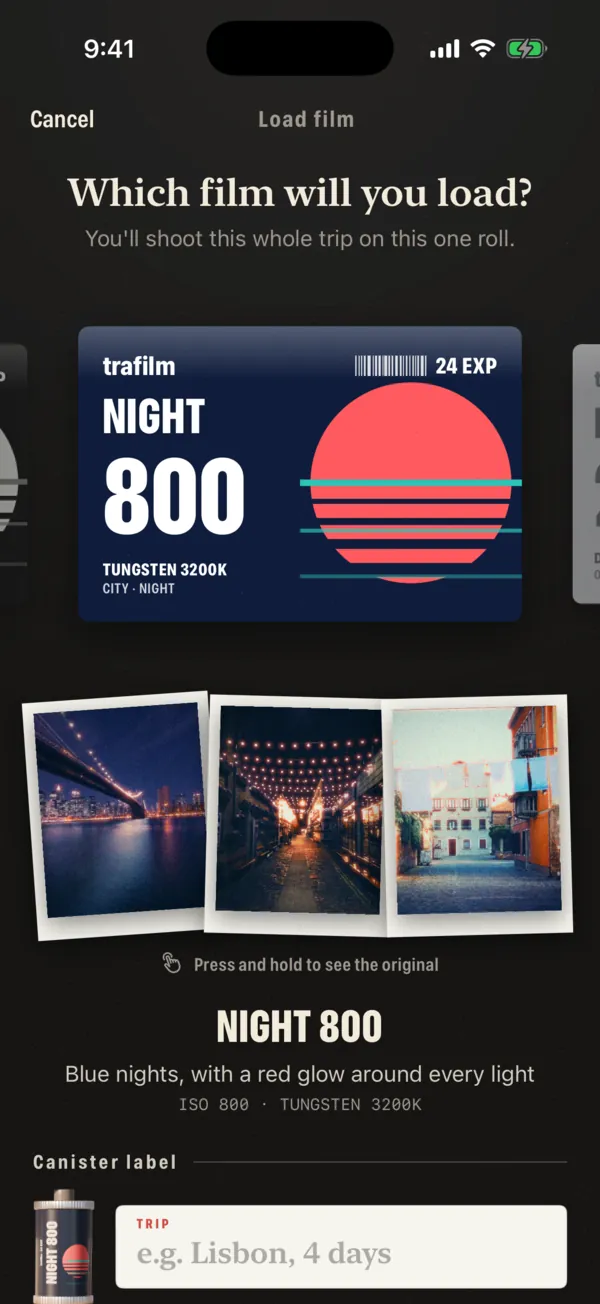
Every film has its own color, grain and favorite scenes. Preview sample shots before you load one, and press and hold a photo to compare it with the original. A roll stays on one film from first shot to last, so the whole trip comes back in one look.
- Canister labelName the trip and spot it on the shelf at a glance
- 24 or 36 shots24 for a weekend, 36 for a longer trip
- Date stampAn orange date in the corner, on or off for each roll
02 · Shoot
Shoots like a film camera.
Every frame counts.
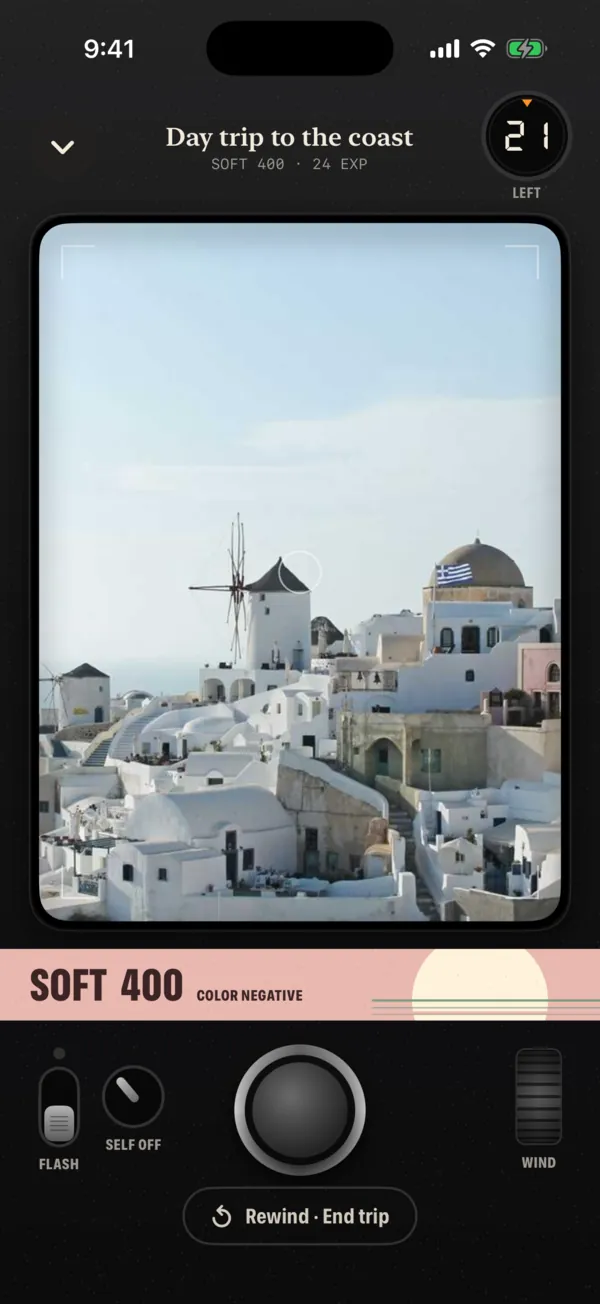
Press the shutter and the blades snap shut and open again; wind the film on before the next frame. You can't see your shots until they're developed, so you end up choosing each one with care.
- Frame counterShows how many shots are left
- Flash · Self-timerFor nights out and group shots
- RewindTrip over early? Rewind and drop it off right away
Developed by 9 AM
the next morning.
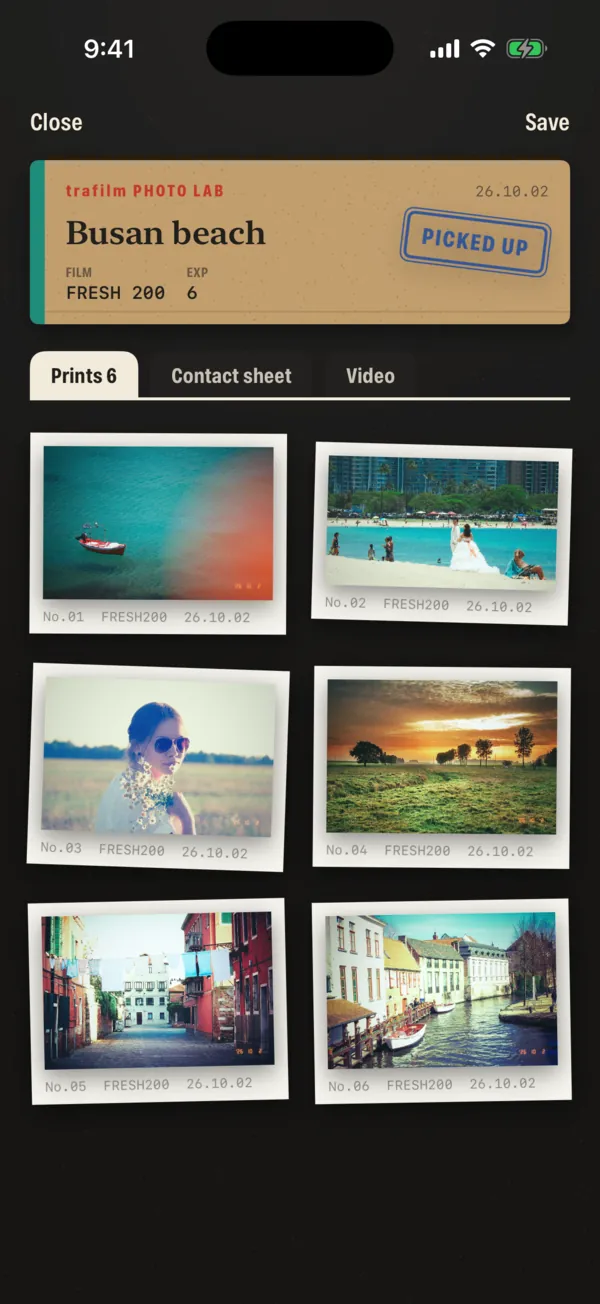
Drop a finished roll at the lab and you get a receipt. After a night's wait, a notification arrives at 9 AM, and three things are waiting for you.
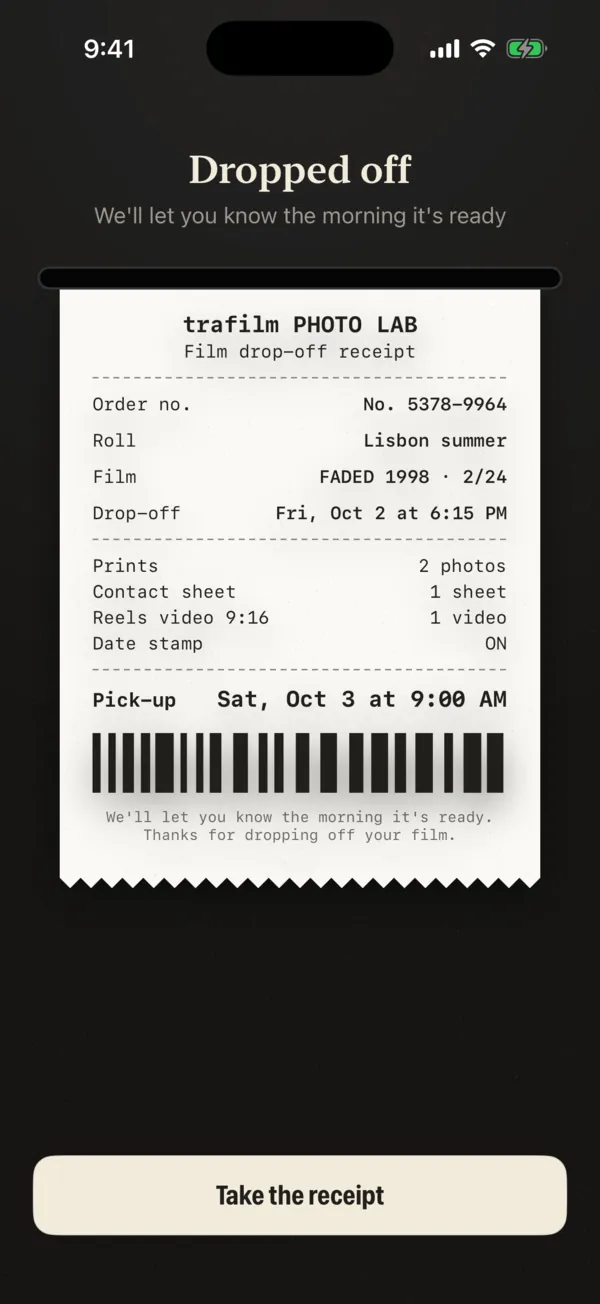
A lab receipt
The film, the shot count and the pickup time. A full roll goes to the lab on its own.
Prints and a contact sheet
Every frame printed, plus the whole roll on a single sheet, all in your film's colors.
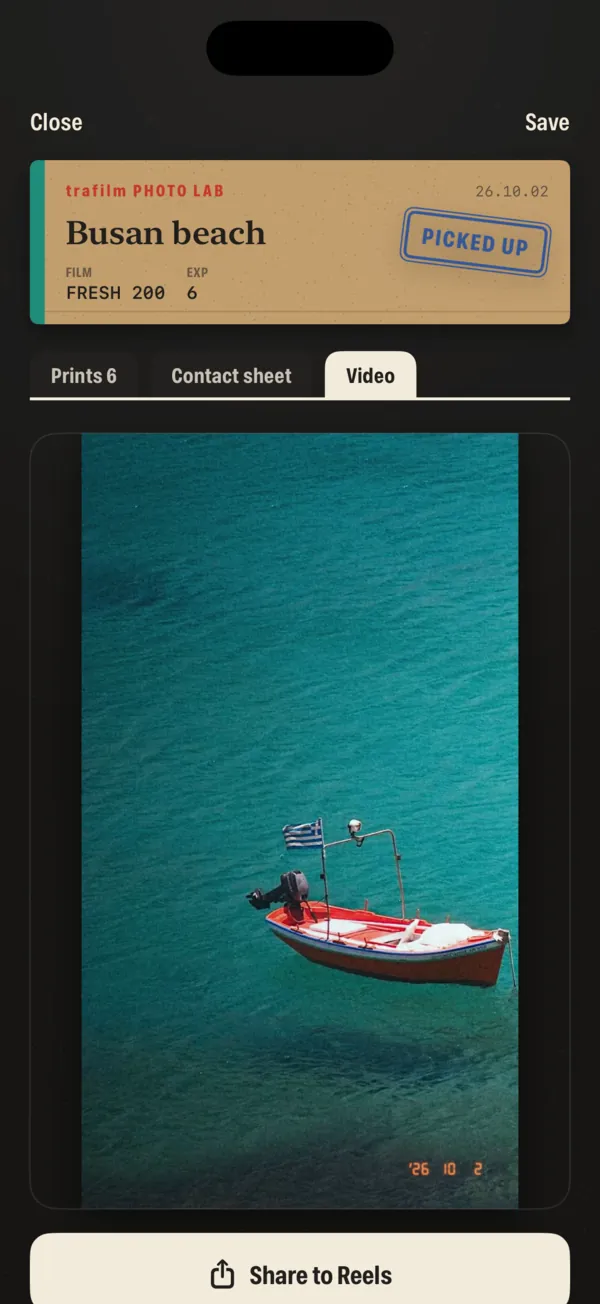
A 9:16 video for Reels
A vertical video that moves through your photos one by one. It comes without music, so you can add your own on Instagram and post.
Ready alertA notification at 9 AM when the roll is developed
Save to PhotosPrints and the video, straight to your library
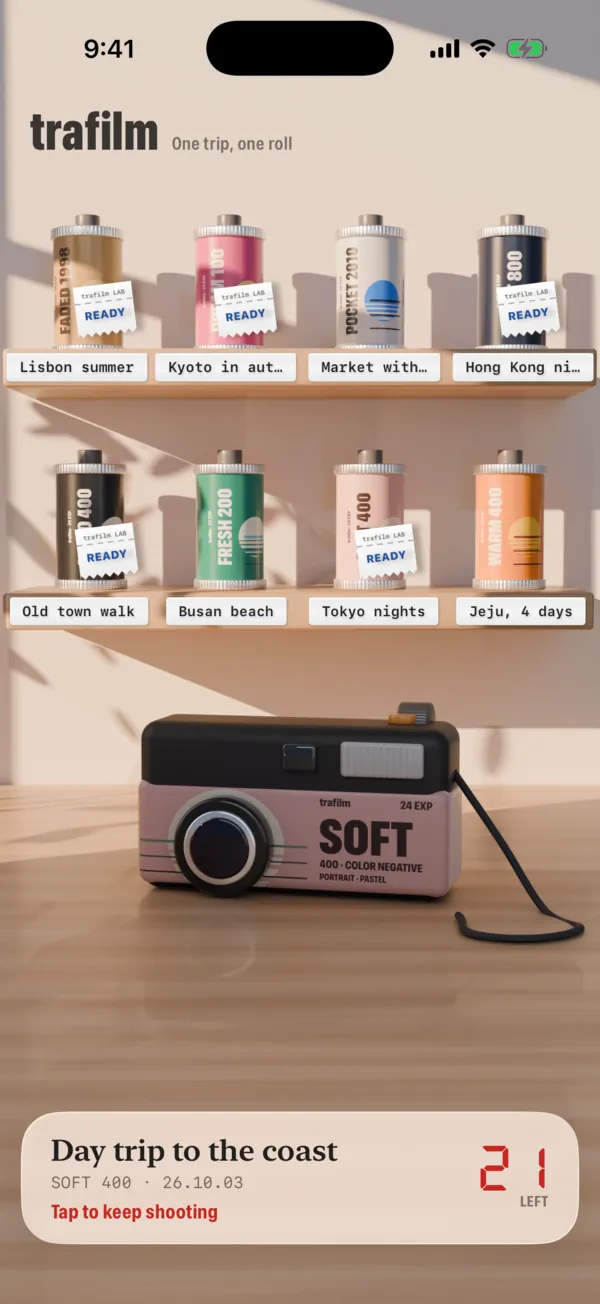
Open it anytimeTap a canister on the shelf to revisit the trip
Eight films
Pick one to match the mood of your trip. New here? Start with Warm 400.
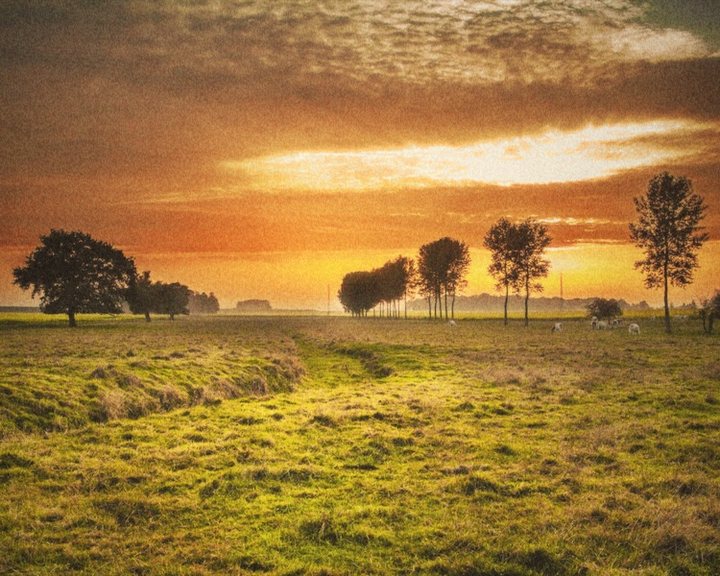
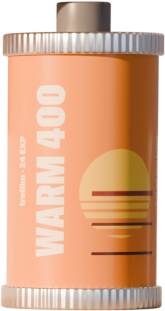
Warm, sun-soaked color. The one to start with.

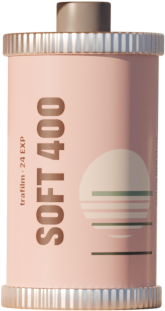
Soft, airy pastels that flatter portraits
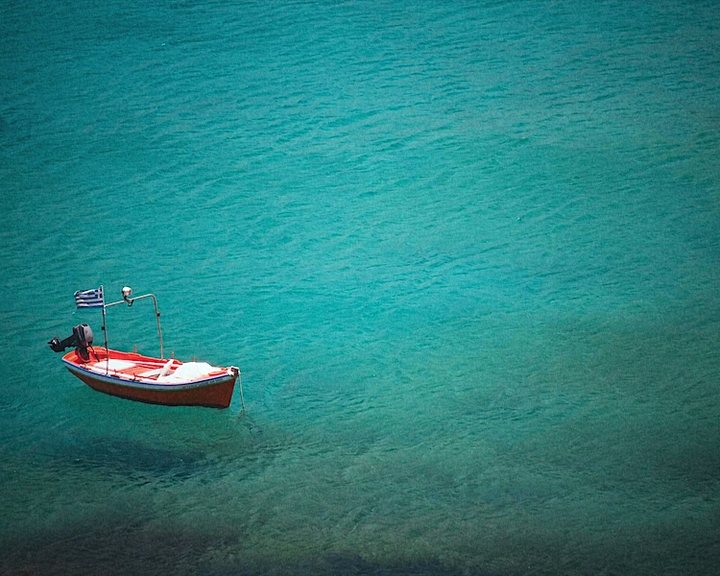
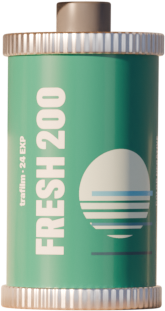
Vivid greens and blues that shine by the sea and in the woods
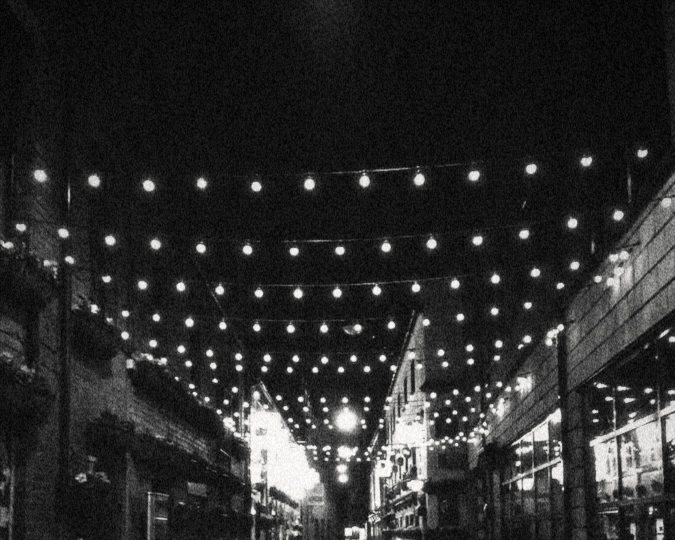
Grainy black and white that turns any alley into a film still
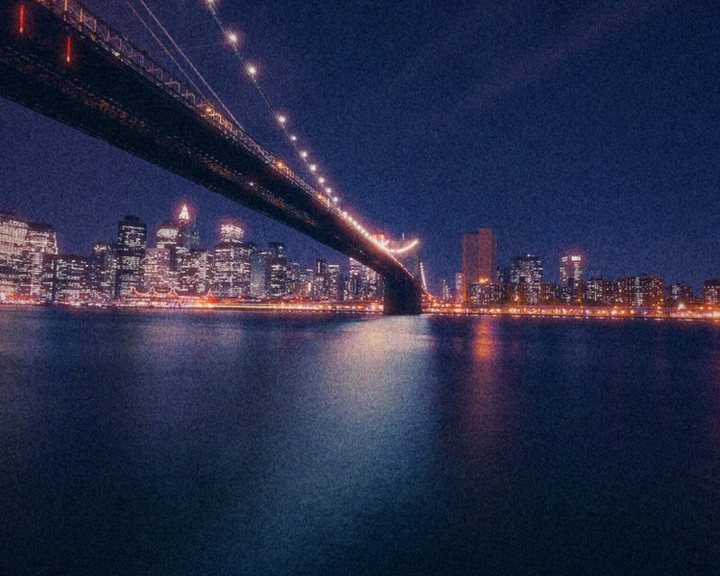
Blue nights, with a red glow around every light

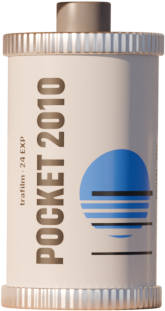
That 2010 phone-camera look: punchy and a little noisy
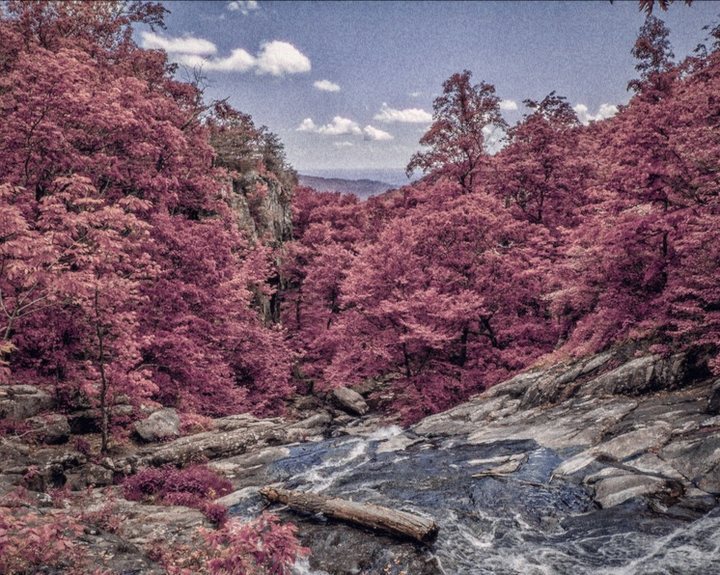
Infrared film that turns green leaves pink
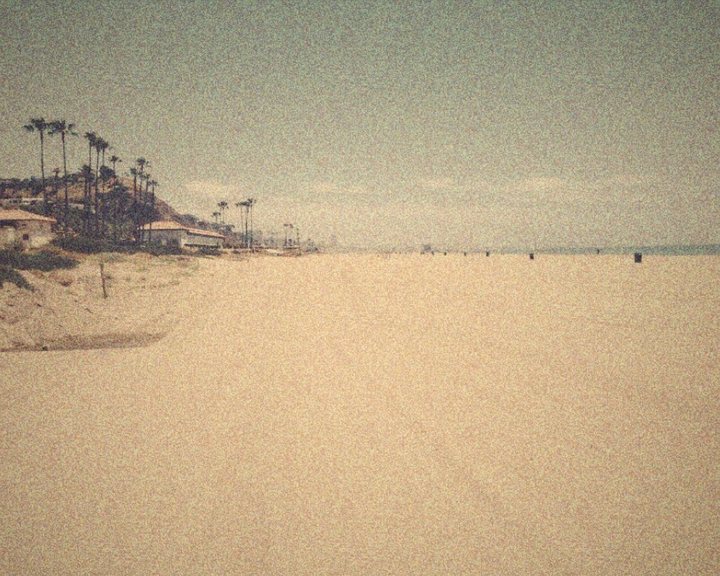
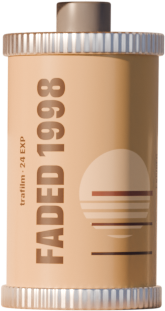
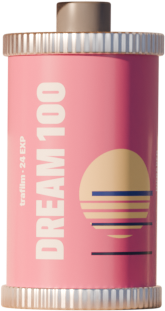
Faded color and light leaks, like old film found in a drawer
The shelf
Finished rolls rest
on a sunlit shelf.
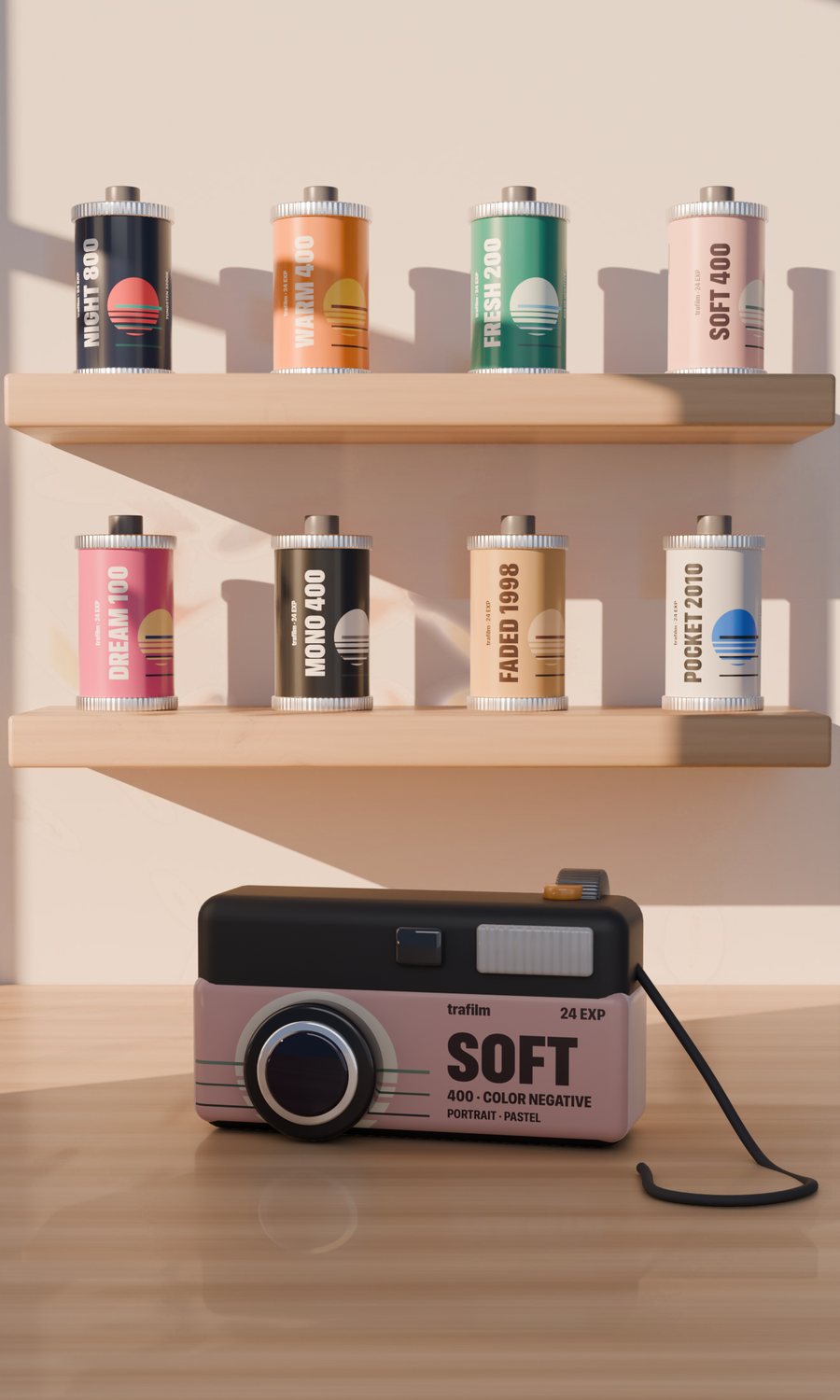
Developed rolls stand as canisters on the shelves of a sunlit room. Each one carries the trip's name, so you can take it down and look through the photos again anytime. When the shelves fill up, they carry on along the next wall.
- No account
- No ads
- No tracking
Your photos never leave your iPhone. The details are in the privacy policy.
Questions
When can I see my photos?
A roll develops at 9 AM (your device's time zone) the morning after you drop it off. You'll get a notification when it's ready.
How many shots are on a roll?
24 or 36, your choice. A full roll goes to the lab by itself; to finish early, tap "Rewind · End trip" under the camera.
Can I switch films mid-roll?
Each roll uses one film. To shoot on a different film, rewind the current roll and load a new one.
How do I save my photos and video?
Tap a canister on the shelf to open its results, then use "Save" at the top right to save photos or the video to Photos.
The video has no music.
The 9:16 video for Reels is made without music. Add the music you like when you post it on Instagram.
Can I turn off the date stamp?
Turn off "Date stamp" when you load the film. You can choose for each roll.
Will my photos move to a new iPhone?
Your data lives on the device. Restoring a new iPhone from a backup brings it along; deleting the app deletes it. Save the photos you love to Photos.
Which devices does it run on?
iPhone with iOS 18 or later. It's free, with no in-app purchases and no ads.
Anything else? Visit Support or email trafilm@tigr.im.
Take a roll of film
on your next trip.
Free on iPhone.